

- Altyn bank /
- Cards /
- Apple Pay
It's easy to pay with Apple Pay
Altyn Bank Mastercard/Visa cards are now available on Apple devices
How do I pay with Apple Pay?
For payment in stores
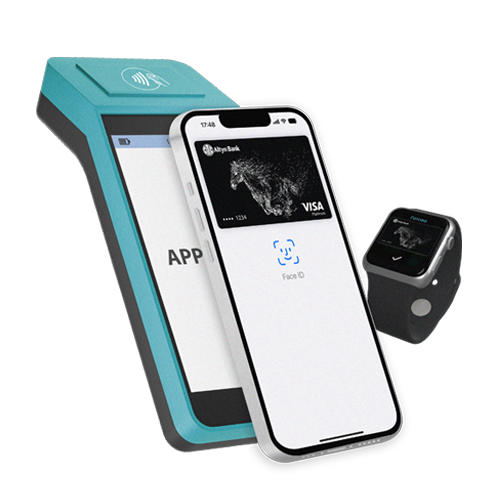
To pay with iPhone SE, 6 and later, bring your iPhone to the terminal by placing your finger on Touch ID. To pay with iPhone X, XR, XS, double-click on the power button, log in using Face ID, and bring the phone to the terminal. For Apple Watch, double-click on the side button
For payment in apps or on websites
To pay in apps and online on iPhone and iPad, select Apple Pay as the payment method and put your finger on Touch ID. On Mac, in Safari, select Apple Pay, and then complete the purchase on iPhone or Apple Watch
How do I add an Altyn-i card to Apple Pay?

1
Update iOS to the latest version
Open the Apple Wallet app and tap the "+" icon
2
Add the card number
manually or take a picture of her using your iPhone's camera
3
After checking the card by the Bank
You will see the message "The card is activated"
To connect Apple Pay, you need to

An Apple device
Full list of devices with Apple Pay function

Settings
Connect the Touch ID or Face ID function on your device. Log in to iCloud. The Apple Wallet App

Altyn-i cards
Altyn Bank cards with Apple Pay support
Privacy and Protection
Your face and fingerprint cannot be faked, and your card and payment details remain secret.
Card details are not stored in devices and are not transferred anywhere during payment
Download the Altyn-i app


Open and add a card to Apple Pay, get full control over your finances anytime, anywhere

