
up to 5% cashback, exclusive discounts for you
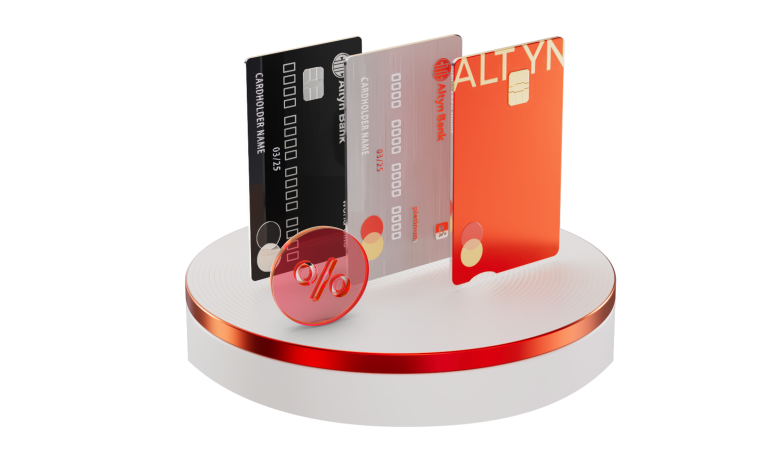

Available online 24/7


-Discount on consumer loans


- Online issuance and delivery of salary cards – free of charge
- Global card delivery
- 24/7 online customer support (Call centre, WhatsApp chat)
- Ecosystem of online services and facilities within the Altyn-i application
- Up to 5% Cashback on purchases in popular categories: transport (trains, underground, taxis, buses), healthcare, and entertainment
- Up to 1% Cashback on all other retail purchases
- Nomad points – use points accumulated on your Nomad Club card for free flights or service class upgrades on Air Astana flights
- Mortgage programmes, as well as partnership programmes with BI Group, BAZIS-A, and Sensata Group
- Car loans, as well as partnership programmes with Allur, Astana Motors, Orbis Kazakhstan, Aster Auto, and Doscar
- Interest rate discounts on unsecured loans
- Credit cards with an increased limit of up to 5 million tenge and a 60-day grace period
- Altyn Express co-branded card – up to 25% benefit (20% discount on rail tickets and 5% cashback on transport – trains, buses, underground, and taxis)
Preferential tariffs under the Salary Project are activated automatically upon receipt of the first salary payment via a pacs.008 message (an electronic list of recipients specifying IBANs) to the customer’s Altyn Bank card.
In the event that no salary credits are received on the Bank's card via a pacs.008 message (an electronic list of recipients specifying IBANs) for a period of two or more months, the salary project will be automatically deactivated, and the customer will be transferred to standard terms and conditions.
Personal account manager
Premium cards for top management – free of charge
Convenient for companies. Rewarding for employees.
Project setup and support – free of charge
Reliability – guaranteed and timely salary payments
Support for multiple file formats for accounting convenience
Choose a card that fits your lifestyle
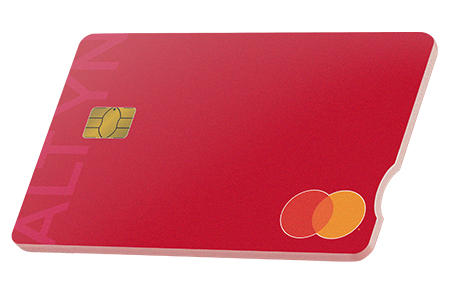


Currency: KZT, USD, EUR


Open your card online for free
It doesn’t matter which bank your employer uses for their salary project
Receive your salary on your Altyn Bank card and enjoy all the benefits
The employer submits a payment order via a pacs.008 message (an electronic list of recipients specifying IBANs) containing the list of payees.
The list must include the 20-digit account numbers* of the payees using the following details:
- Beneficiary: Altyn Bank JSC (SB of China CITIC Bank Corporation Ltd)
- Beneficiary Bank: Altyn Bank JSC (SB of China CITIC Bank Corporation Ltd)
- BIN: 980740000057
- BIC: ATYNKZKA
- IIK (IBAN): KZ859490001910702001
*Employee’s IBAN account obtained from the Altyn-i app (see video guide: How to get an account statement in the app )
Upon receipt of the first salary payment via a pacs.008 message (an electronic list of recipients specifying IBANs) to an Altyn Bank card, preferential tariffs under the Salary Project are automatically applied to the customer.
In the event that no salary credits are received on the Bank's card via a pacs.008 message (an electronic list of recipients specifying IBANs) for a period of two or more months, the salary project will be automatically deactivated, and the customer will be transferred to standard terms and conditions.



You can receive your salary on the following cards:
Digital Mastercard Gold card (free with registration in Altyn-i)
Card with a custom design (issuance fee — 1,000 ₸)
- Platinum (service fee — 500 ₸ per month)
- World Elite (service fee — 5,000 ₸).
- Visa Infinite (service fee — 5,000 ₸).
In the Altyn-i app, go to the Accounts → Details section, get your account number, and provide it to your company's accounting department.
Video instructions How to Obtain Card Details (Banking Requisites)?
Upon receipt of the first salary payment via a pacs.008 message (an electronic list of recipients specifying IBANs) to our card, the customer gains access to all the benefits of the Altyn Bank salary project.
In the event that no salary credits are received on the Bank's card via a pacs.008 message (an electronic list of recipients specifying IBANs) for a period of two or more months, the salary project will be automatically deactivated, and the customer will be transferred to standard terms and conditions.
Upon receipt of the first salary payment via a pacs.008 message (an electronic list of recipients specifying IBANs) to our card, the customer gains access to all the benefits of the Altyn Bank salary project.
An MCC code (Merchant Category Code) is a four-digit code assigned to a merchant and defines the category of goods or services provided by them. Cashback accrual depends on the MCC code: if a purchase is made in a category eligible for cashback, it will be credited.
Cashback is automatically credited when making payments with the solary card in specific categories:
- Medicine and healthcare (pharmacies, dentistry, hospitals, laboratories, etc.)
- Taxis and limousines
- Cinemas and bookstores
- Beauty salons, SPA centers, massage salons
- Educational services (payment for universities, schools, courses)
A complete list of categories and MCC codes can be found here.
Cashback is not credited if the purchase was made in a category that is not eligible for the cashback program or if the merchant has been assigned an MCC code excluded from the program. It is recommended to review the full list of exclusions on the bank's website.
You can ask the seller for the MCC code before making a payment.
In some cases, the MCC code can be seen in the transaction details in the mobile banking app.