

Garmin Pay
Connect your Mastercard or Visa card and pay for purchases directly with your Garmin watch
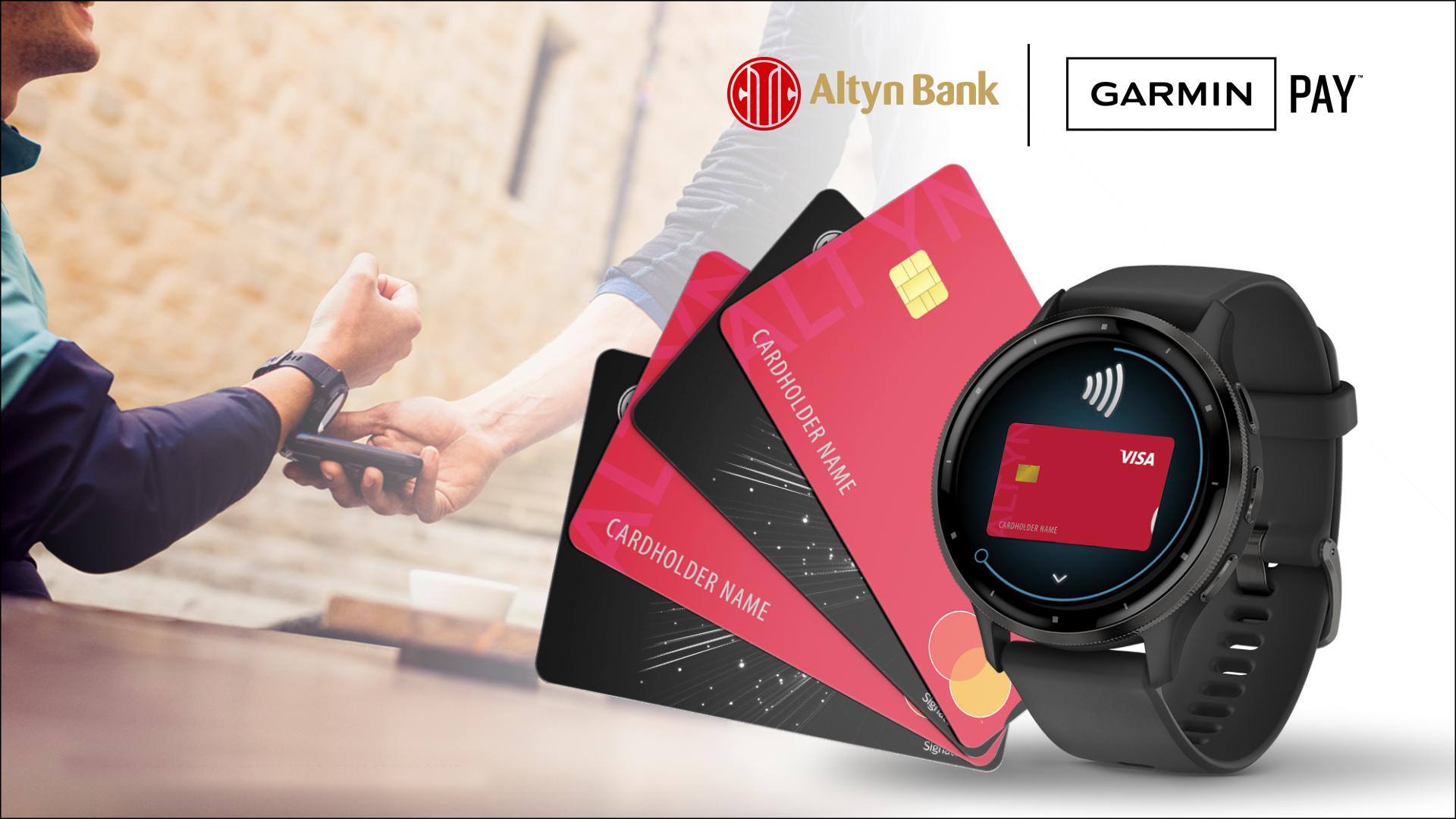
Why is it convenient?

Secure
Your card details are not shared with the merchant and are securely protected

Simple
Adding a card takes just a few minutes with no complicated setup

Pay in seconds
Hold your watch near the terminal and the purchase is completed
Pay without your phone or wallet
Garmin Pay is a convenient payment solution for those who value speed, mobility, and security. All you need is your watch.
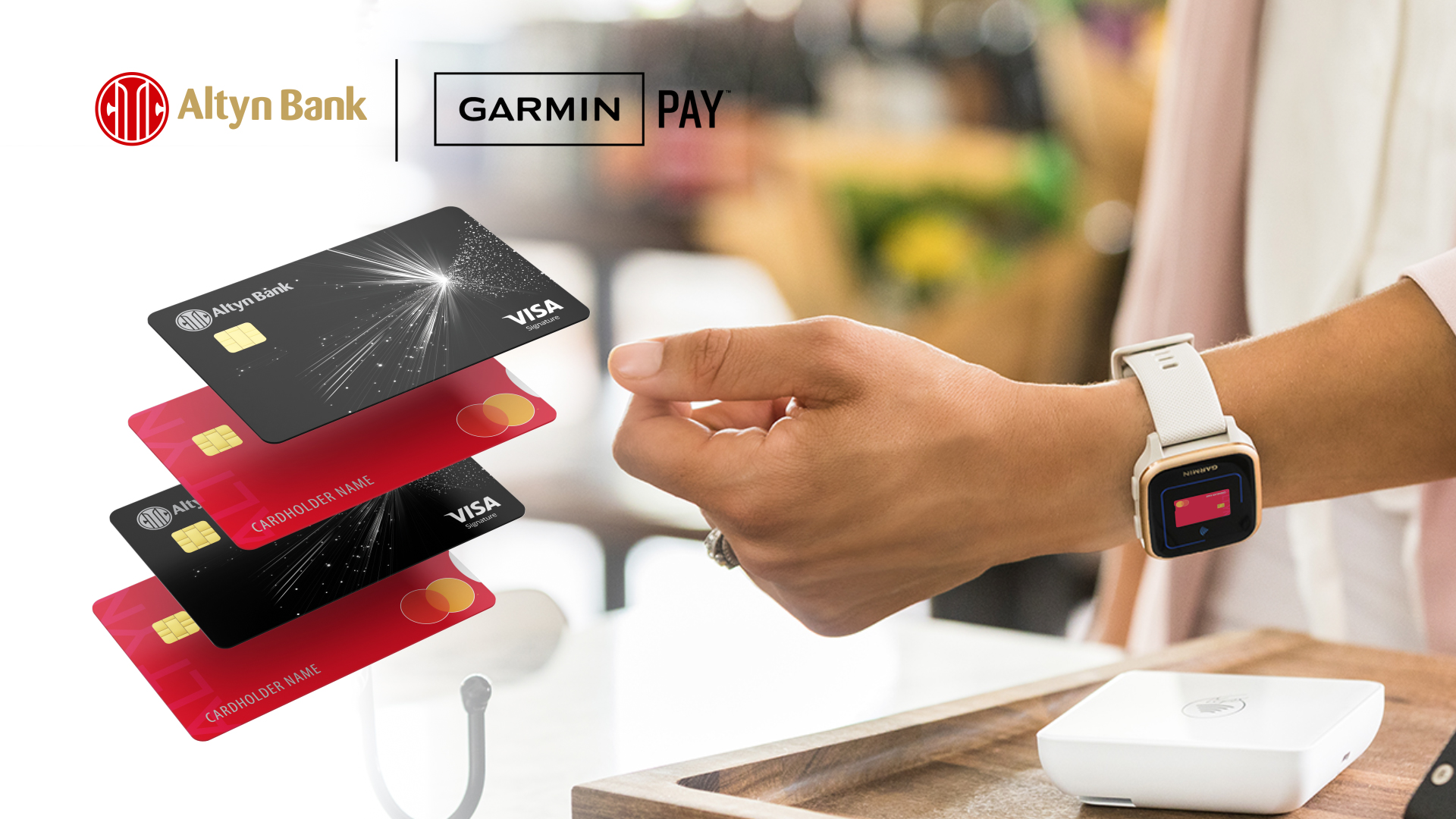
Always within reach
Pay for purchases even during workouts or прогулки
Works with Mastercard and Visa
Link your bank cards
Perfect for an active lifestyle
No need to carry a wallet or phone
How to add a card to Garmin Pay?
Add your card in the app within minutes and start paying directly with your watch

1
Download the app
Install Garmin Connect on your smartphone
2
Go to Garmin Pay
Open Garmin Devices → Garmin Pay
3
Add your card
Accept the terms and link your Mastercard or Visa card from Altyn Bank
Please note: The POS terminal must support contactless payments via Garmin Pay
You can find the list of banks here
Frequently Asked Questions
Which cards can be linked?
Mastercard and Visa cards issued by Altyn Bank
Is a password required every time?
No, a password is only required for the first payment of the day
Is internet required for payment?
No, an internet connection is not required to pay using your watch
Open a card and connect Garmin Pay
Become a bank client, open a Mastercard or Visa card, and pay for purchases with your Garmin watch


Apply for a bank card and get a convenient way to pay directly from your watch

