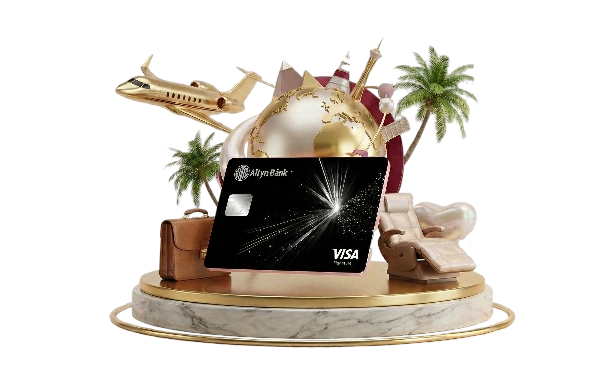


Complimentary access to airport lounges worldwide via the DragonPass programme

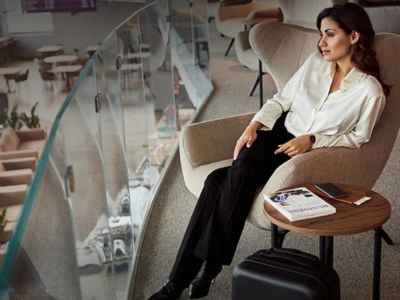
VIP Lounge at Nursultan Nazarbayev International Airport, Astana
Comprehensive international travel insurance

Up to 25% discount on airport meet and assist services

Travel luggage-free with Visa!
Expedited airport formalities at participating airports

Wait for your flights in the comfortable CIP Lounge at Astana International Airport

Visa Concierge service handles your tasks and fulfills your requests

A dedicated platform for enquiries and consultations regarding Visa services


Download the mobile application and log in to your personal account. If you are a new customer, please complete the quick registration process.
In the "Accounts" section, select the option to open a new card: digital (plastic-free) or debit (with delivery).
Specify the currency (KZT, USD, or EUR), the Visa payment system, and select the Visa Signature card type.
Follow the on-screen prompts to complete the application.
Done! Your premium card has been issued.